GigSheets Docs

Changelog

RSS
v1.4.3

Copyable addresses, auto-scrolling tour screen, and a better search

A new version of the mobile app is out with the following changes:

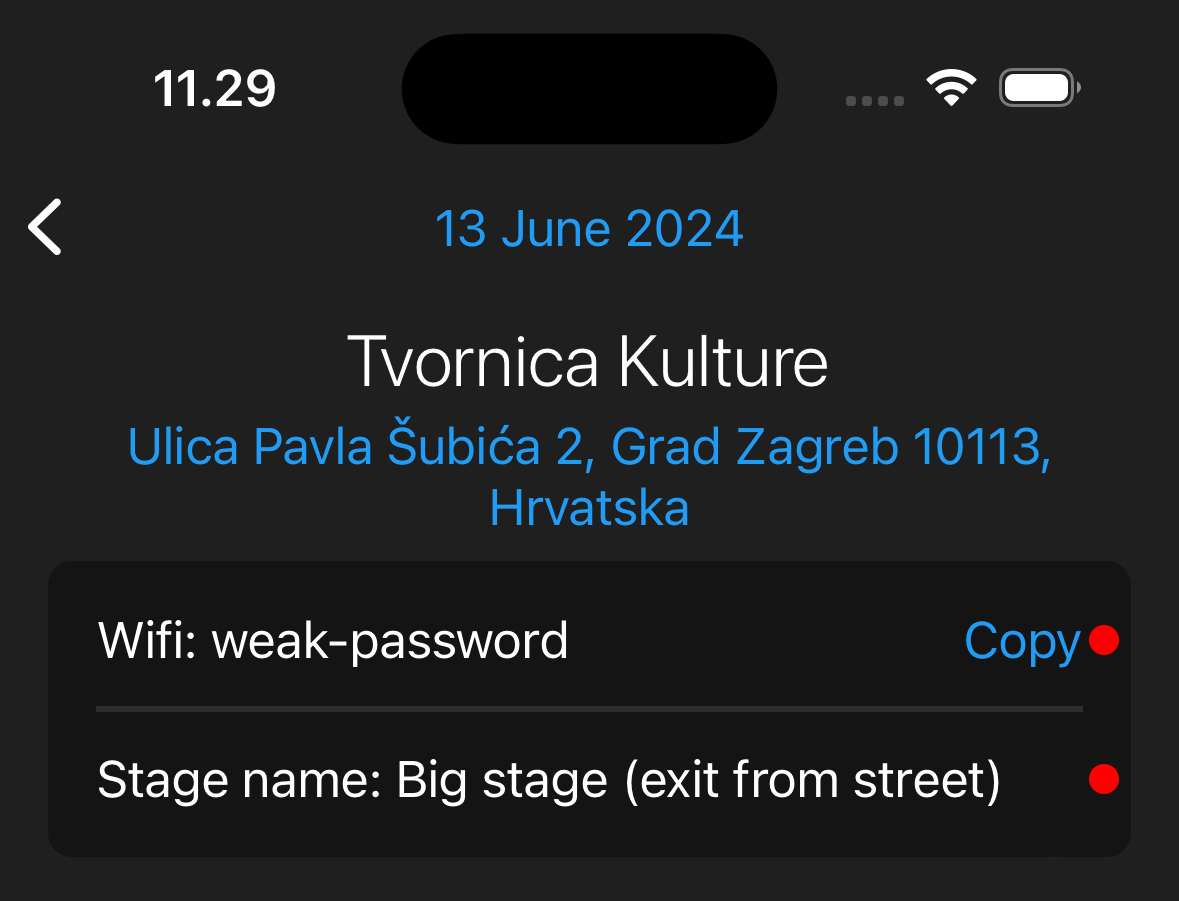
  • All addresses can be copied
  • Auto scroll tour screen to the current day
  • Fix: push notifications link to daysheet
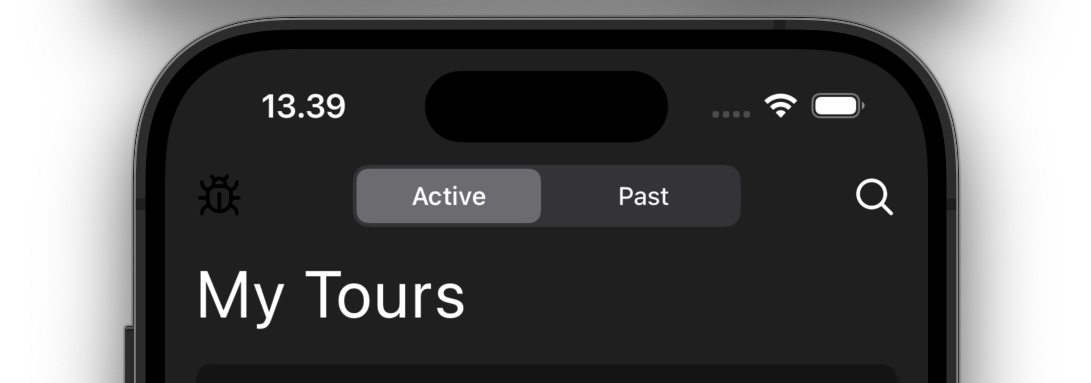
  • UI: Improved search screen

Download the mobile app:

Unread notifications indicator in sidebar

No longer guess which notifications you have read and which you haven’t. The sidebar now shows a count of unread notifications next to the notifications icon.

Sorted guestlist exports

Exporting your guestlist as CSV or PDF now sorts the items alphabetically, so every export comes out in a consistent, easy-to-scan order.

Create reminders from the dashboard and jump around daysheets faster

You can now create and edit reminders directly from the dashboard, without leaving your overview.

View as Crew from the daysheet editor

The daysheet editor bar now has a “View as Crew” button in the overflow menu, so you can instantly preview a daysheet exactly the way your crew sees it.

v1.4.2.1

Approvals, smarter next show info, and Liquid Glass on iOS

We are always improving the app little by little.

This release contains the following new features for tour managers:

  • Notifications now include relative and absolute time
  • Guests page has full support for approval
  • Show/hide empty days on the tour page — sync with admin
  • Automatic calculation of drive time and distance in the next show section
  • Support for Liquid Glass on iOS and reimagined navigation

Download the mobile app:

Venues show their timezone

Venues now display their timezone, making it easier to keep show times straight across cities and countries.

Clickable links in notes on mobile

Links in notes are now clickable in the mobile app. Tap any URL in a note to open it directly.

v1.3.6.1

Export options in mobile guestlist

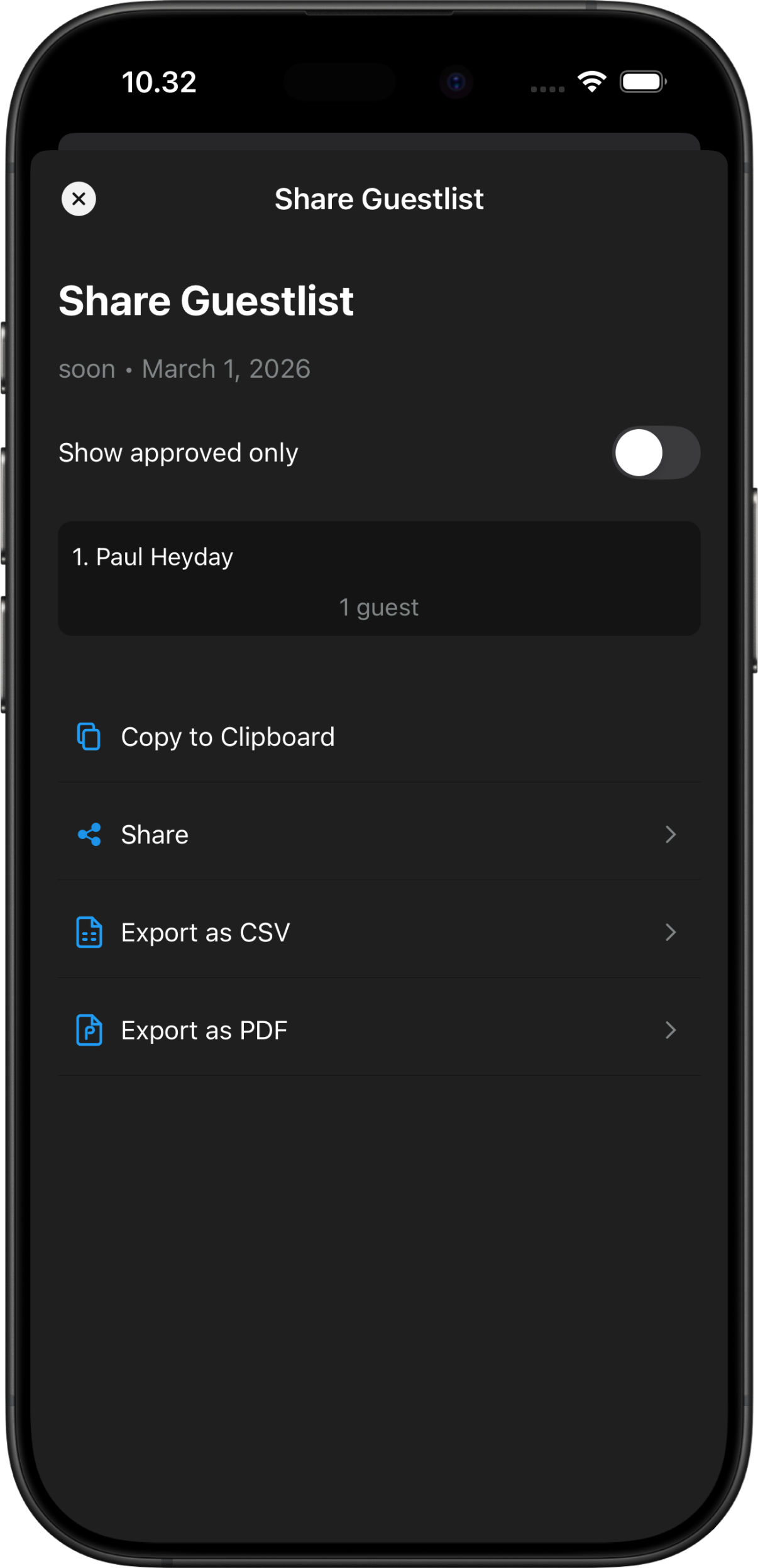
When exporting guestlist from an app choose between various formats: PDF, CSV, or send text via email or text message. Even if guests are approved, before exporting it is possible to choose only approved or all guests submitted so far.

Export guestlist options

Artist view in mobile app

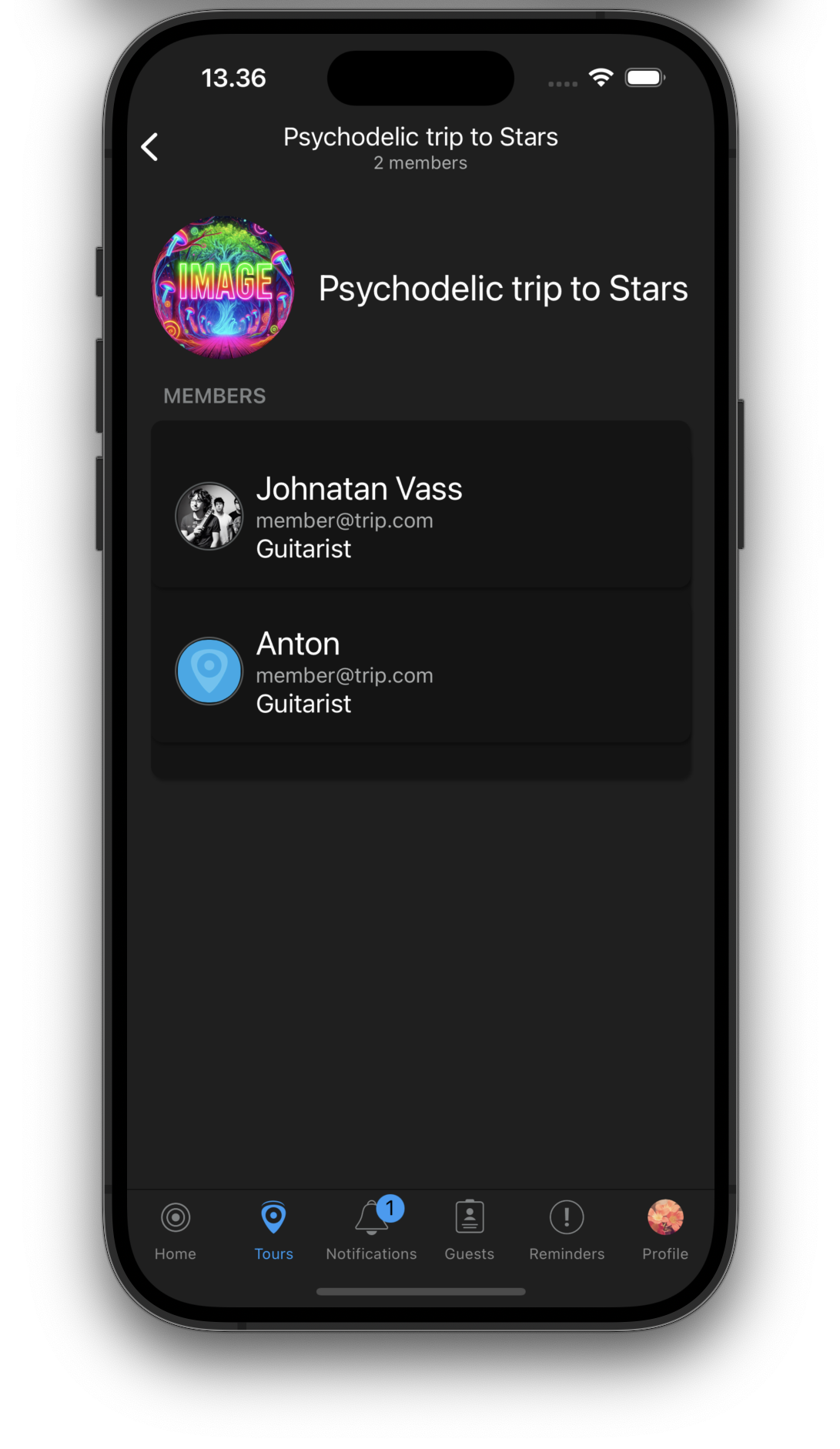
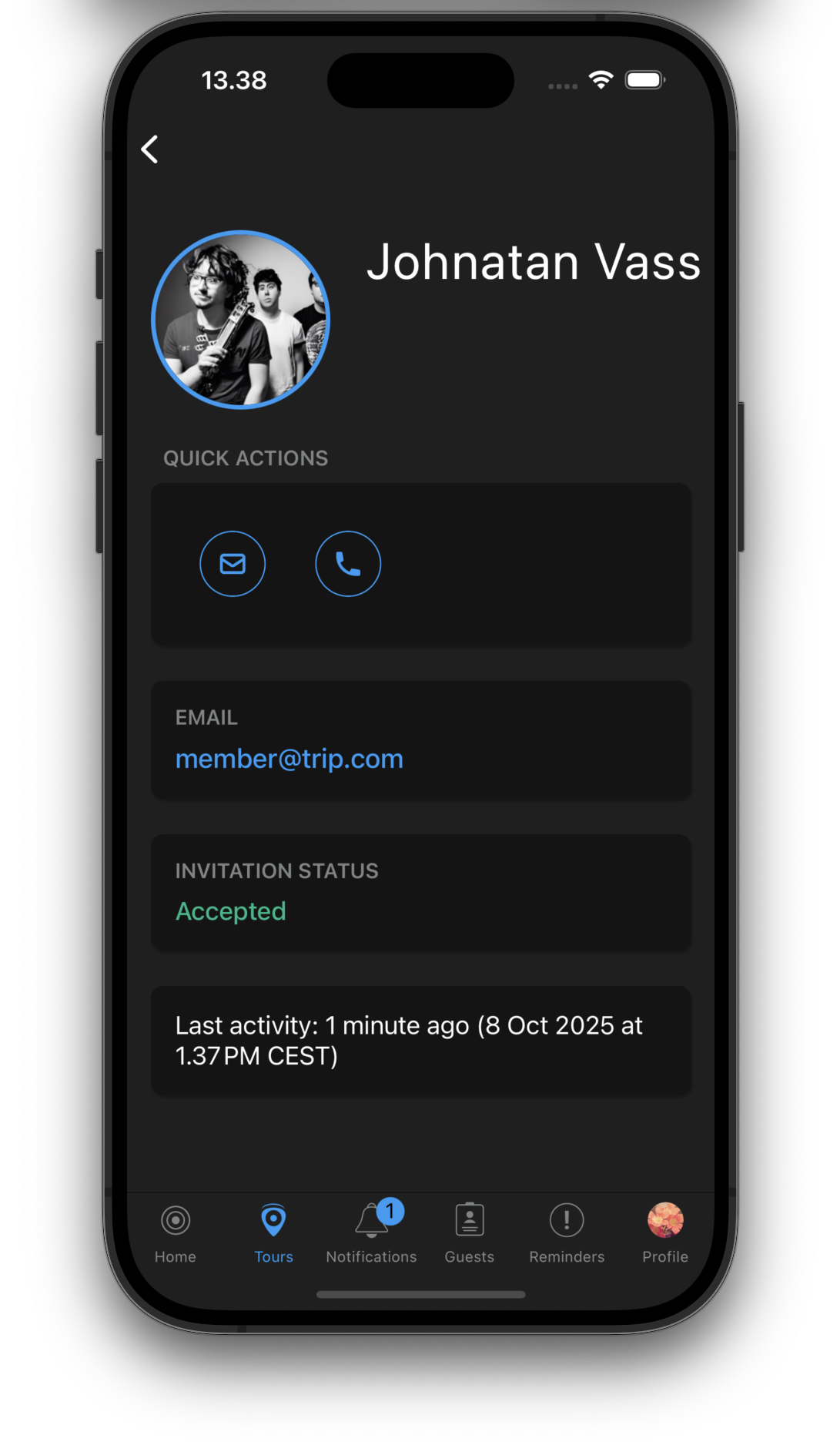
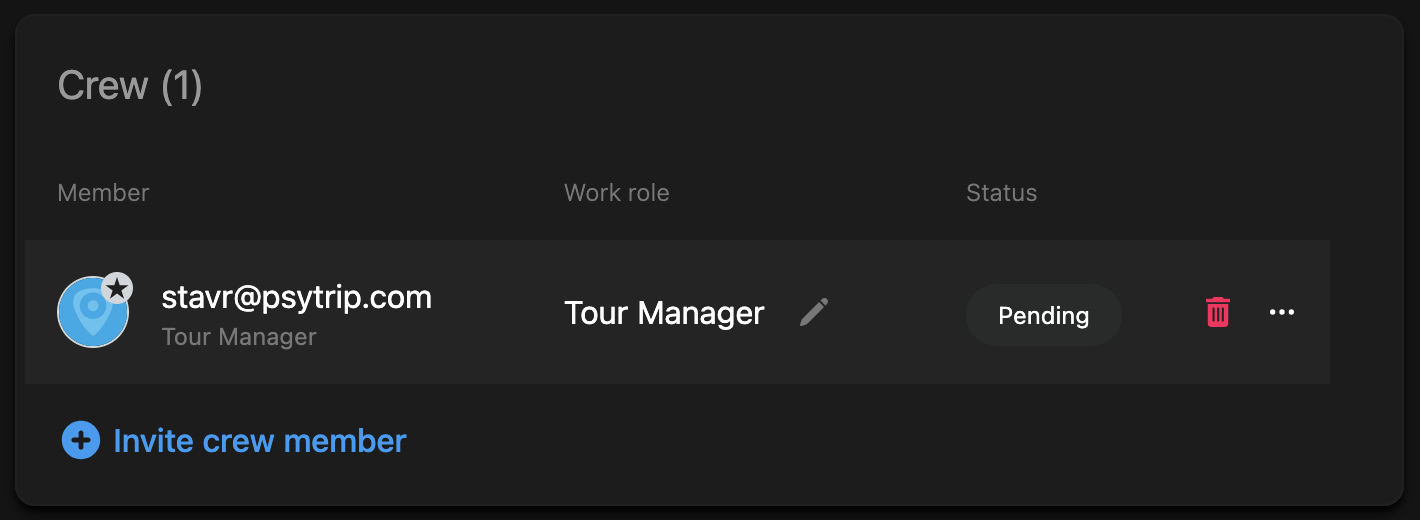
The mobile app now includes a dedicated artist view where you can see all artist information, members, and their work roles at a glance. This makes it easy to quickly reference who’s who on tour.

Artist view in mobile

Contact view in mobile app

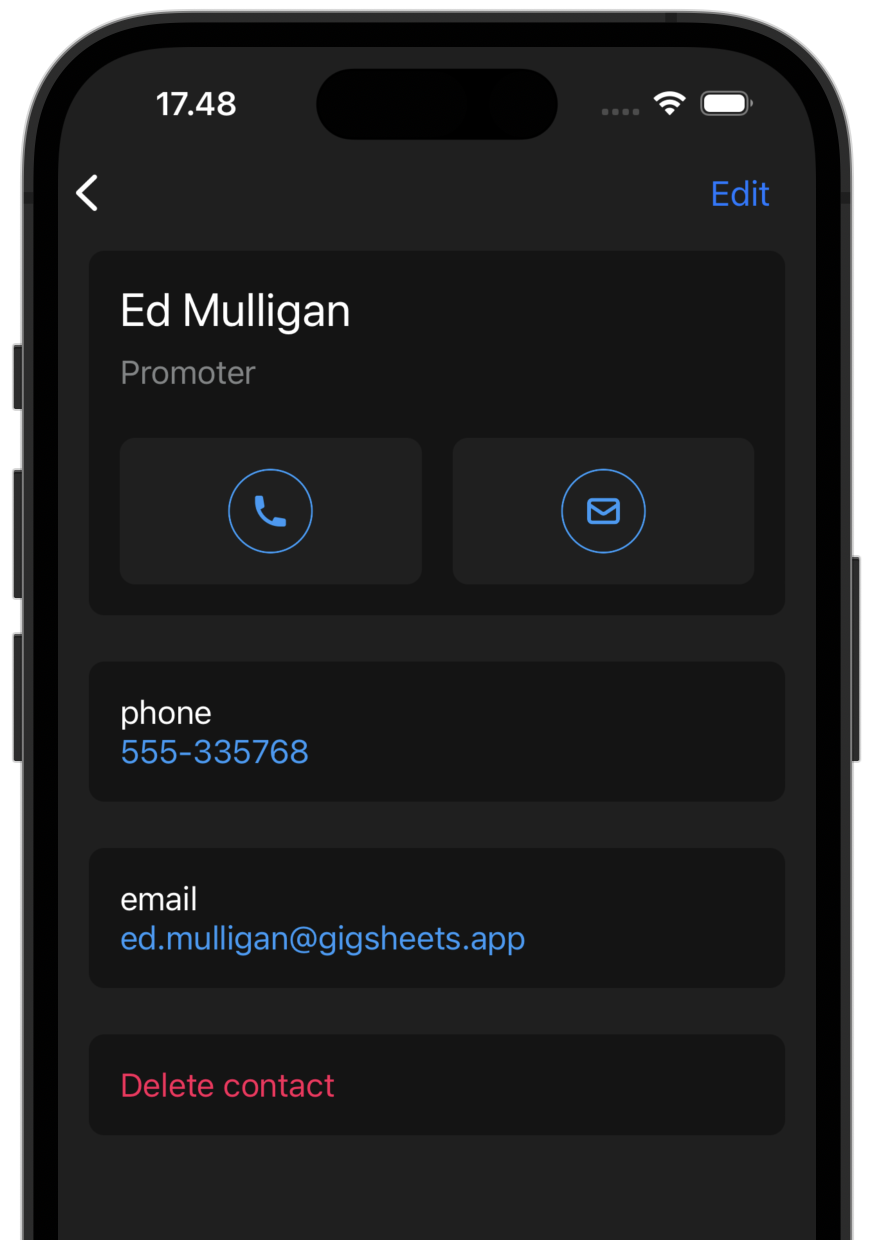
We’ve added a new contact view in the mobile app. Browse all contacts across venues, artists, and tour staff in one place. Tap to call, email, or message directly from the app.

Contact view in mobile

Search in mobile app

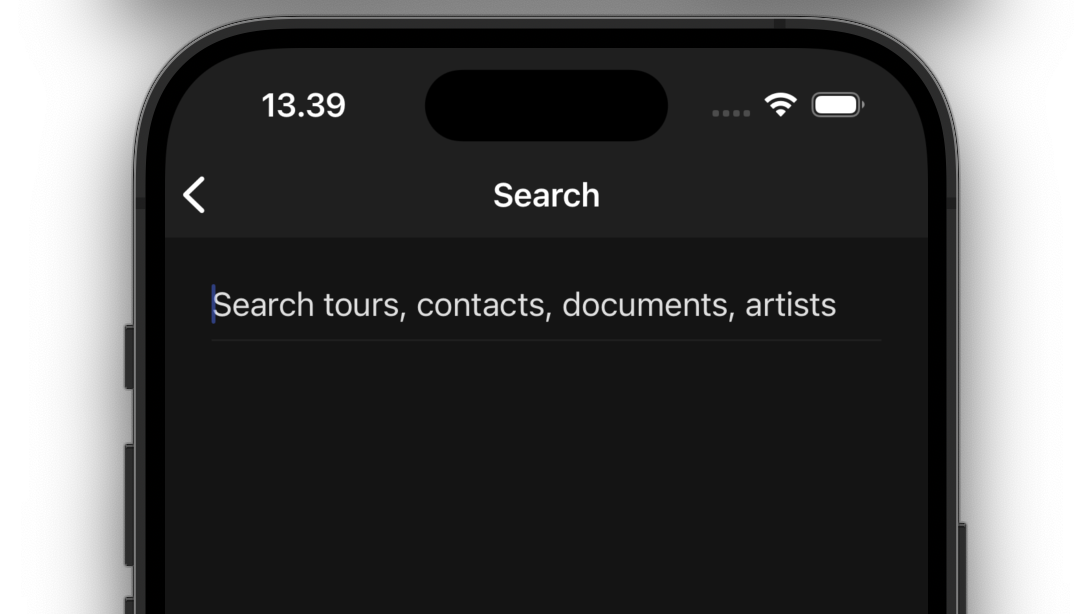
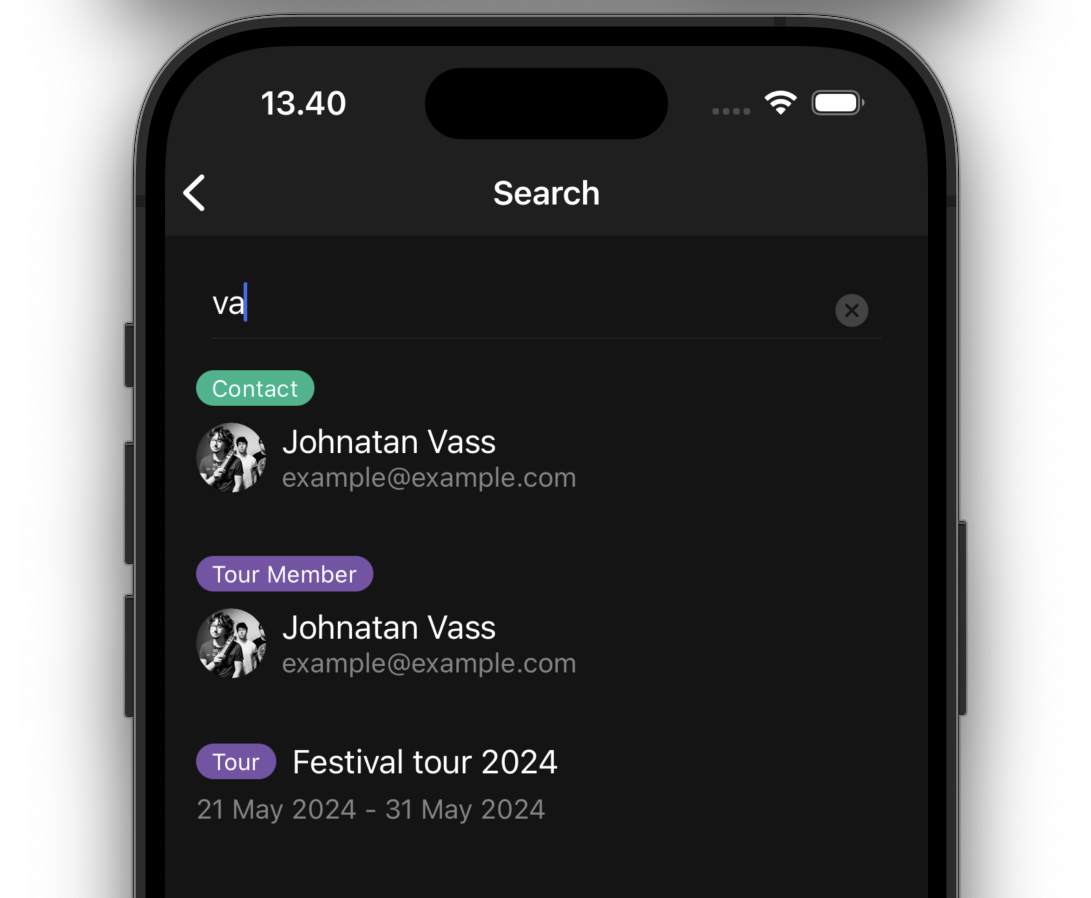
Finding information on the go is now easier with the new search feature in the mobile app. Search across tours, contacts, documents, and artists to quickly find what you need.

Search in mobile app Search in mobile app Search in mobile app

Miles/km converter in next show section

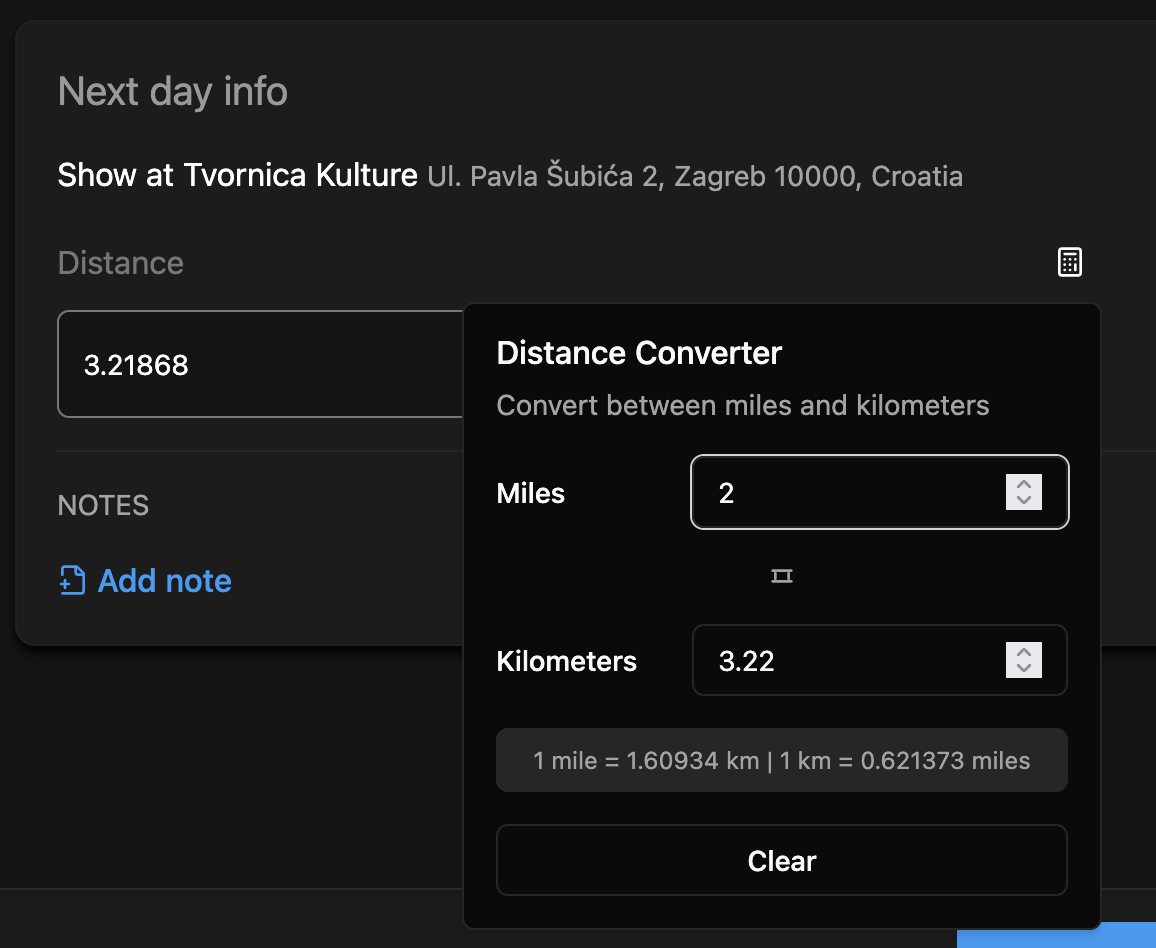
The next show section now includes automatic distance conversion between miles and kilometers. Set your preference once, and all distances will be displayed in your preferred unit.

Miles/km converter

Manage guests in web admin

You can now add and manage guests for each show day directly in the web admin.

Work roles for artist members

Assign specific work roles to artist members both in the artist details and throughout the tour. This makes it clear who does what, whether they’re a musician, technician, or crew member.

Work roles are now visible throughout the app and can be edited at both the artist level and tour level.

Global search

We’ve added a powerful search feature to the web admin. Search across all your tours, venues, daysheets, and contacts. Press Ctrl+K (or Cmd+K on Mac) to quickly access search from anywhere.

Global search

Multiple tour managers

Tours can now have multiple tour managers. Add additional tour managers to share administrative responsibilities and ensure everyone has the access they need.

Multiple tour managers

Merch guidelines in venue details

Venue details now include a dedicated section for merchandise guidelines.

New itinerary view

We have rebuilt travel template with a new look. Instead of having just a single from/to travel plan, you can build itinerary from multiple travel segments. Each segment can have a different mode of transport, duration, distance, etc. You can also add notes and stopovers to each segment.

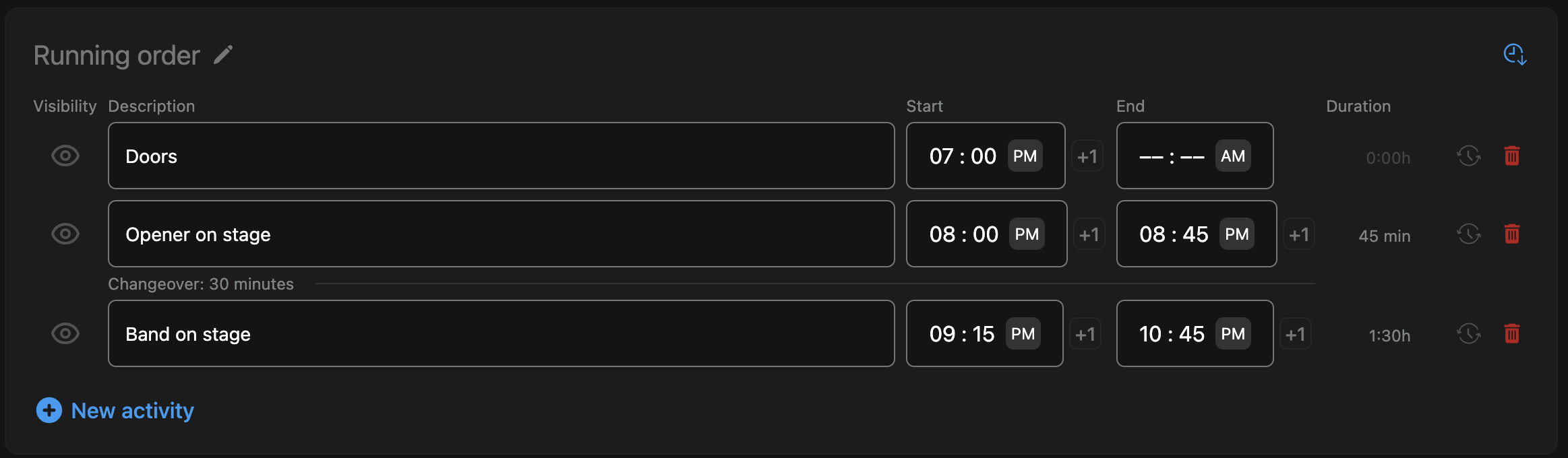
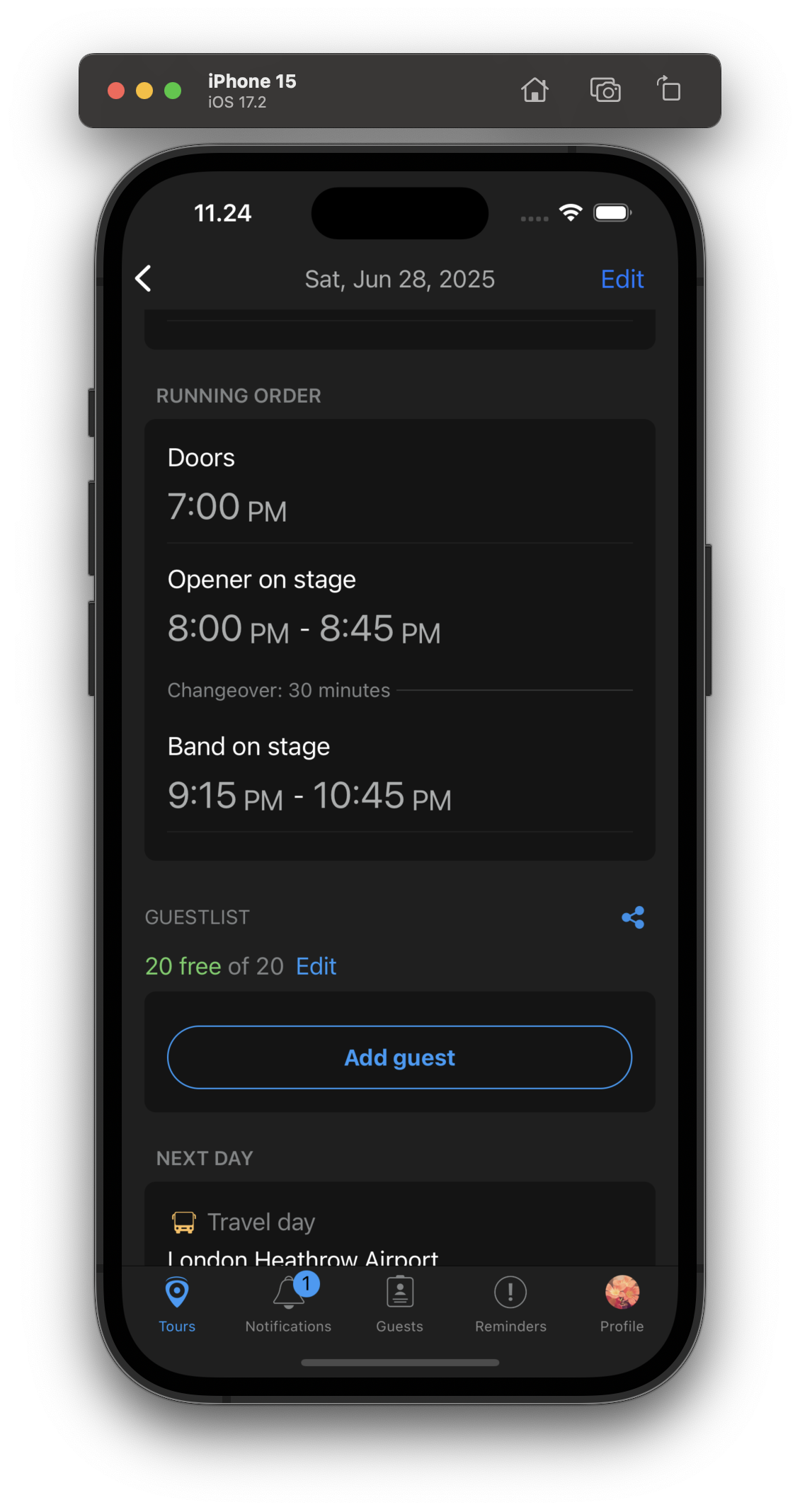
Automatic changeover times for the activities section

When there are gaps in the activities section, the app will now automatically add changeover times. No need to manually add them!

Automatic changeover times

It is also available in the mobile app as well as in the printed daysheet.

Automatic changeover times in the mobile app

Next show info is consistently on the bottom of the daysheet

The next show info section is now consistently on the bottom of the daysheet. This makes it easier to find and edit.

Print showday sheets

You can now print showday sheets. This is useful when you are on tour and need to print out a daysheet for a venue.

Multiple file upload

You can now upload multiple files at once. This is useful when you are uploading images for a venue, artist or tour.

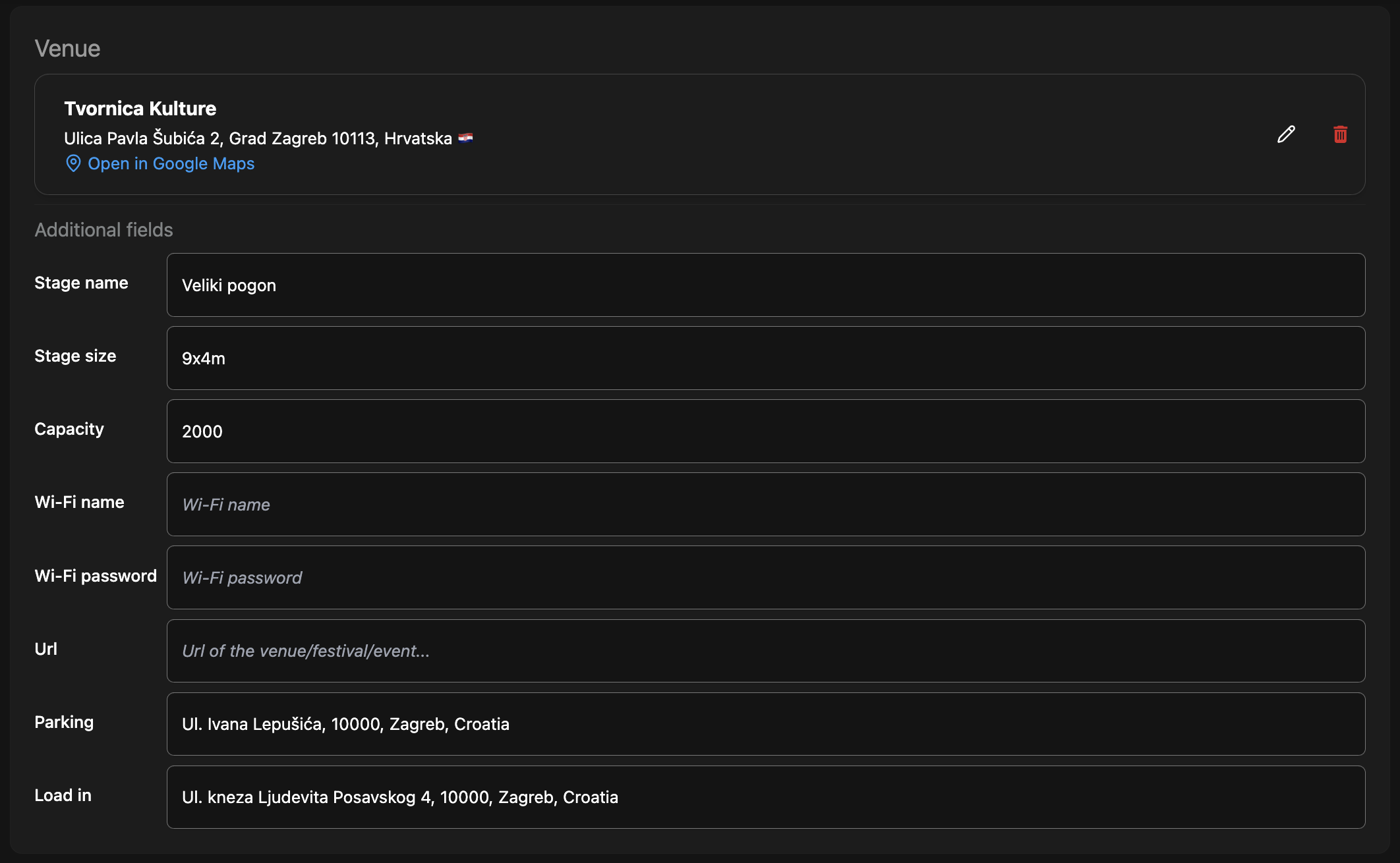
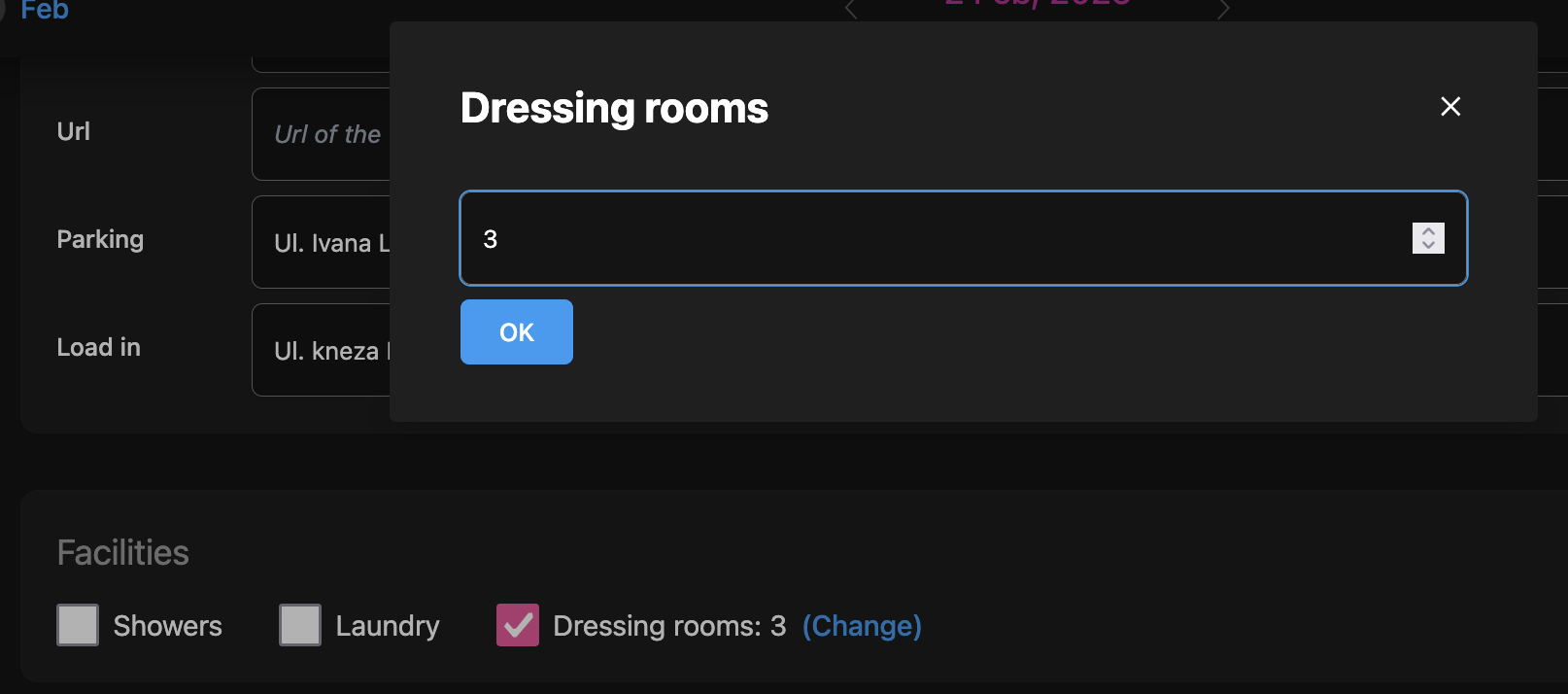
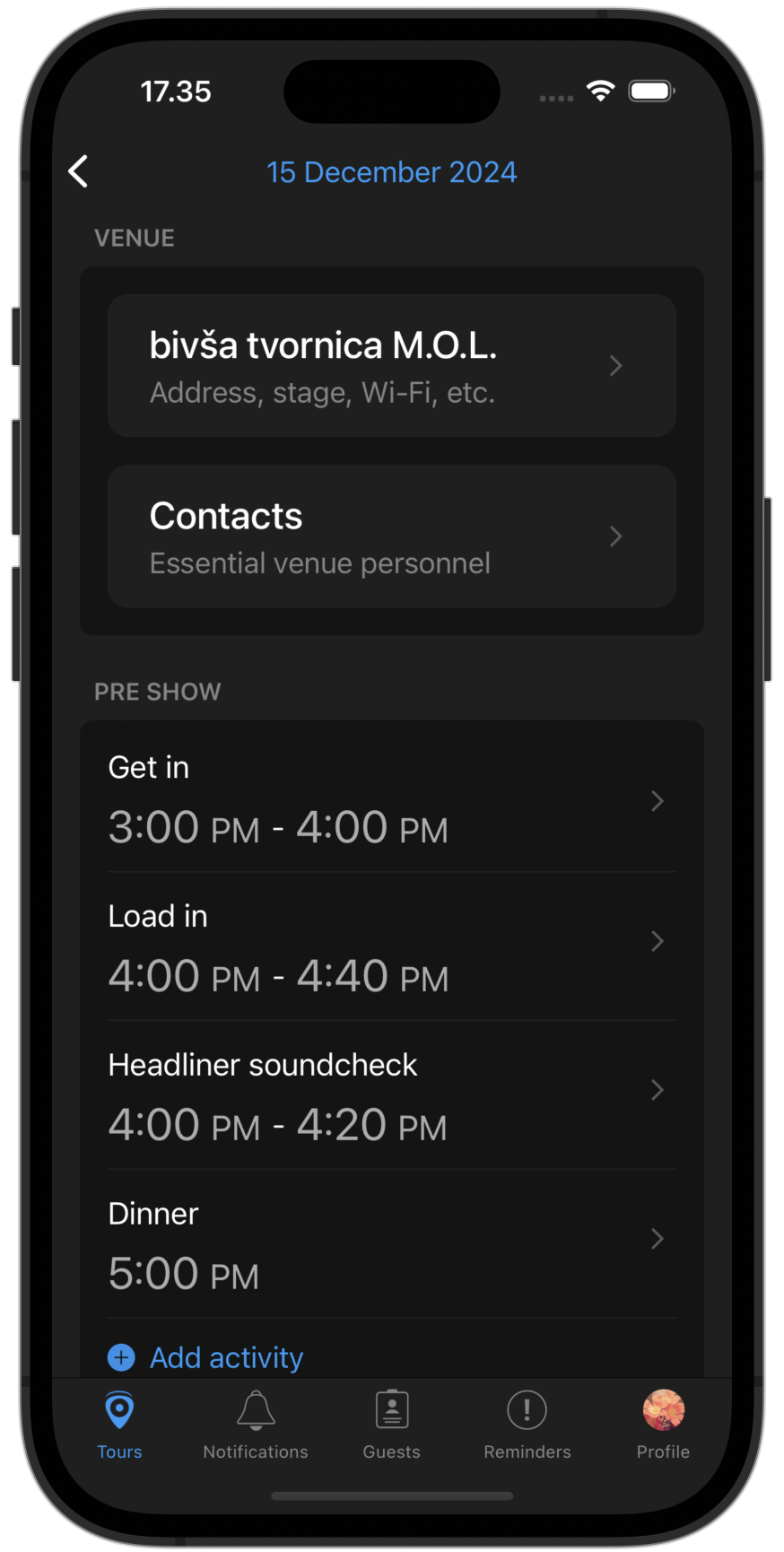
More informations for venues: parking and load in addresses, dressing rooms

You can now add more information to the venue details. This includes:

  • Parking address
  • Load in address
  • Dressing rooms

Venue details

You can edit the new information in the venue details section on both web and mobile.

If the venue has dressing rooms, you can add them in the venue details section.

Dressing rooms

Venue contacts, stage sizes and facilities

We have added three new enhancements to the show day sheet:

  • Venue contacts
  • Stage size
  • Facilities

Venue contacts are a list of people you can contact at the venue. Stage size is the size of the stage at the venue. This now complements the existing stage name and capacity.

Facilities are any extra facilities available at the venue. Currently it only has two options: showers and laundry. Expect more options in the future. Editing contacts is simple: just tap on the contacts button and create or edit contacts.
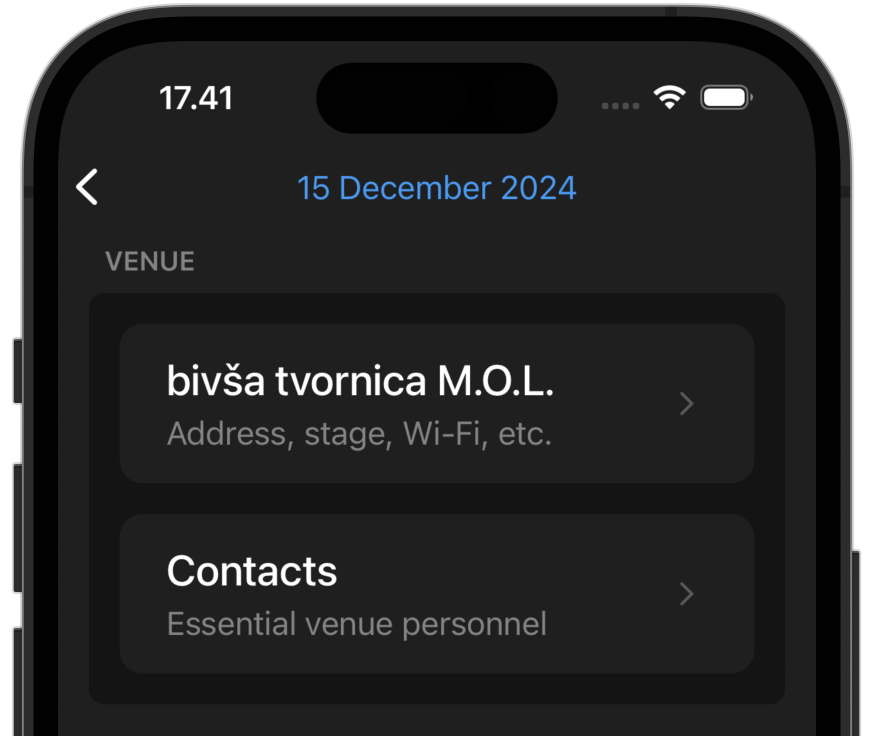
Edit venue contacts

The following fields are available for each contact:

  • Name
  • Phone number
  • Email
  • Role

Edit venue contacts

Here is how it will look in the daysheet:
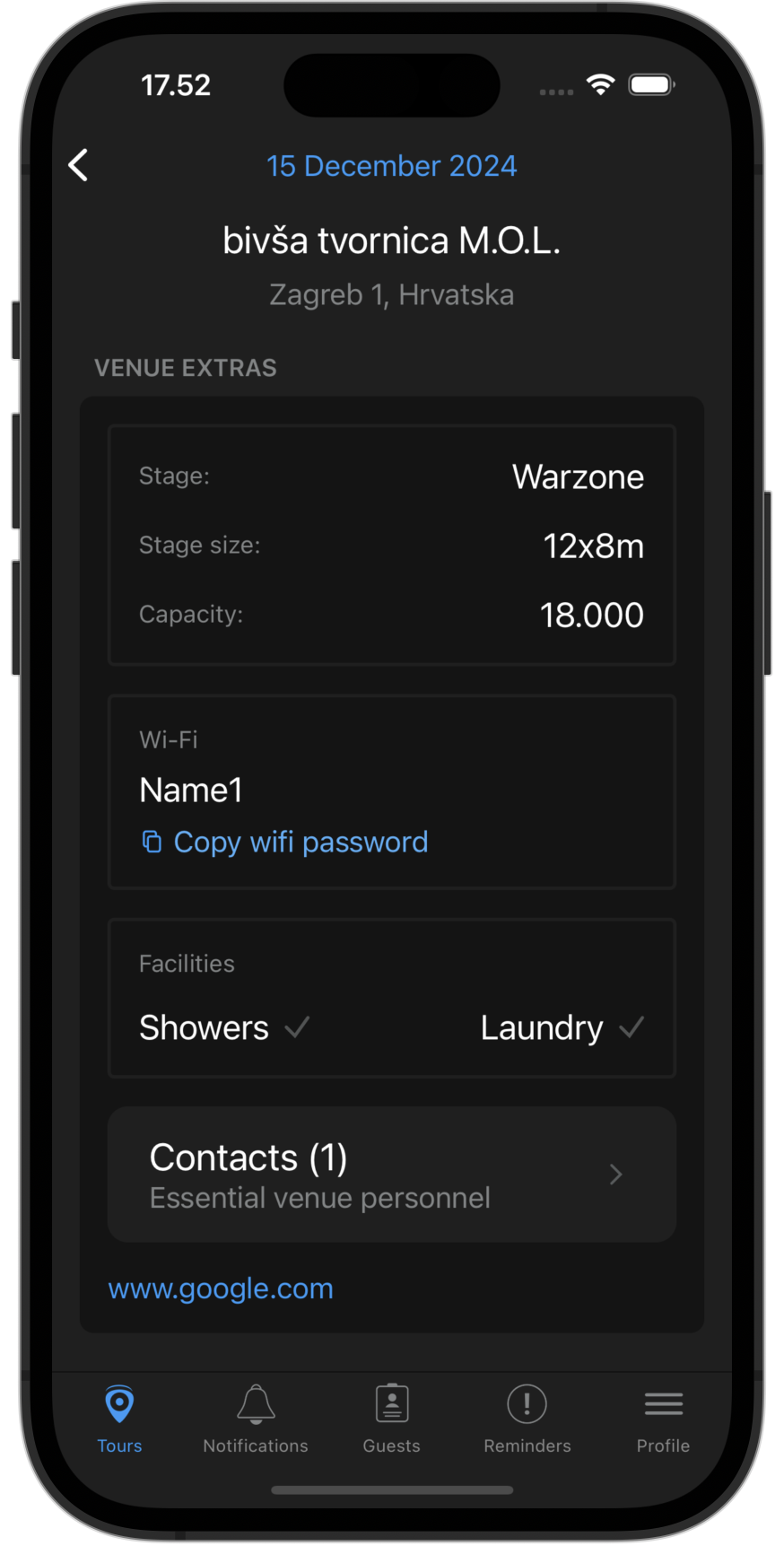
Daysheet with venue contacts, stage size and facilities

Editing in the mobile app

When you are on the road, updating information should be quick and simple. To avoid going to the web app, you can now edit daysheets in the mobile app. Currently, you can edit the following sections:

  • Venue information
  • Activities
  • Notes
  • Next show info

Editing in the mobile app

Editing show day sheets has never been easier. Simply tap on any section to edit.

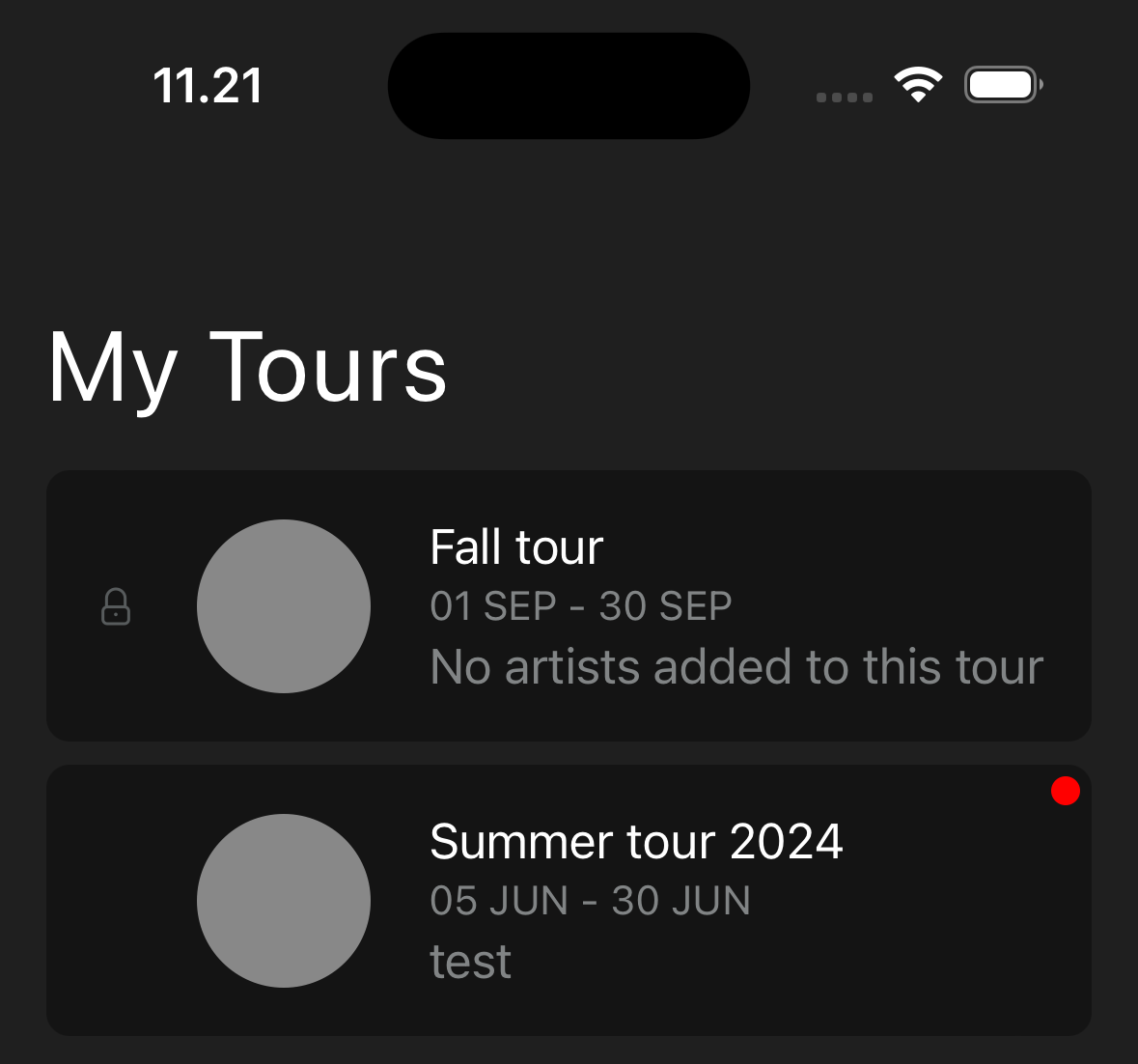
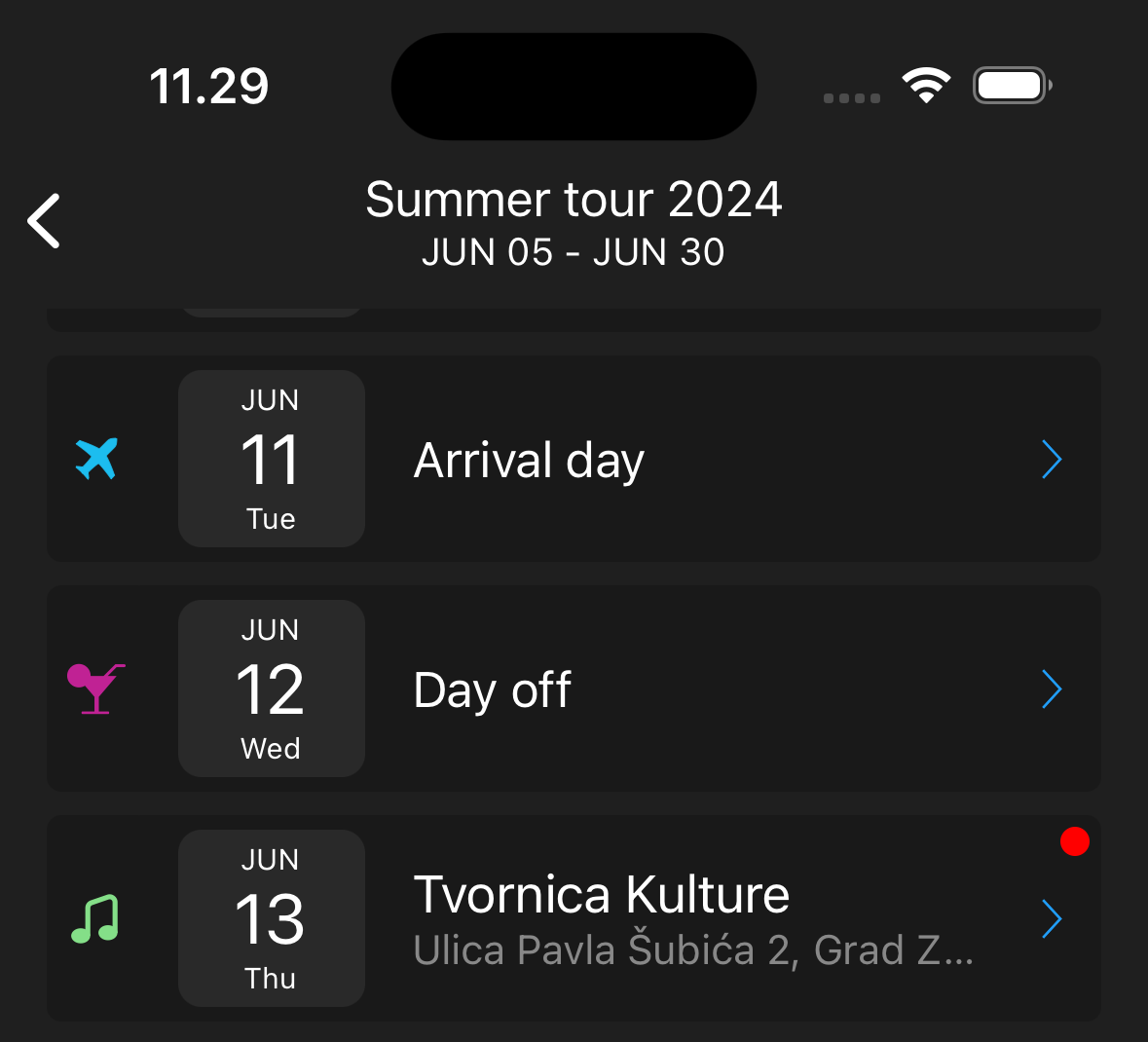
Activity indicators for changes

When you are on tour, knowing what has changed is important. When a daysheet has changed since the last time you opened it in the app, you will now see an indicator in both the tour and the daysheet. This will make it easy to locate a change in the daysheet.

Tour indicator

Tour activity indicator

Daysheet indicator

Daysheet activity indicator

Indicator for each changed section

Activity indicator